---
title: "Grunt Academy"
description: "Access video tutorials, courses, and training with your Grunt account"
---
Open [Grunt Academy](https://app.grunt.pro/academy) for video tutorials, courses, and training. You can also choose **Tutorials** from the **Grunt** ribbon.
 ## Sign in with your Grunt account
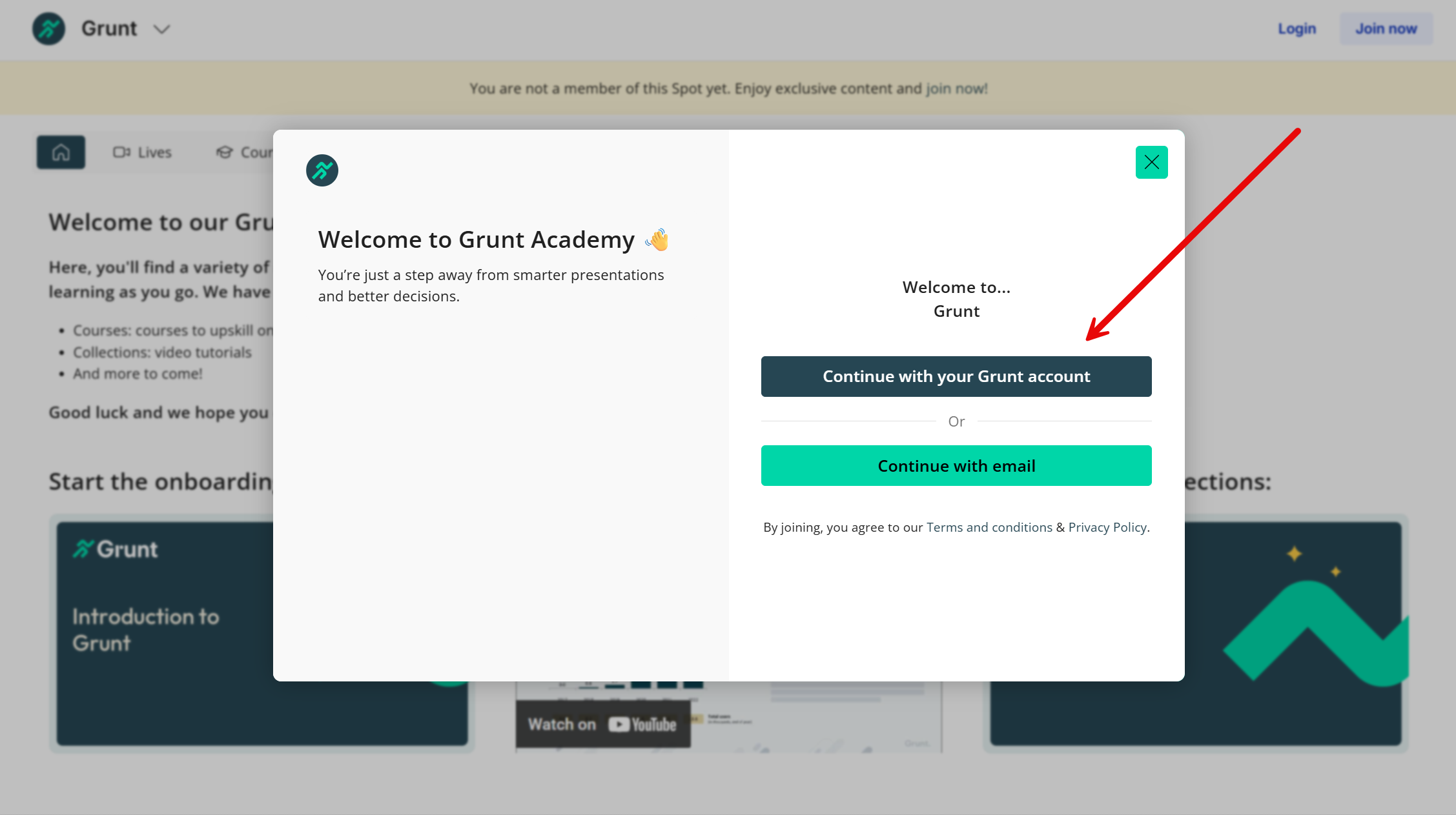
Choose **Continue with your Grunt account** and use the account you use for Grunt. This avoids creating a separate training account.
## Sign in with your Grunt account
Choose **Continue with your Grunt account** and use the account you use for Grunt. This avoids creating a separate training account.
 ## Access without a Grunt account
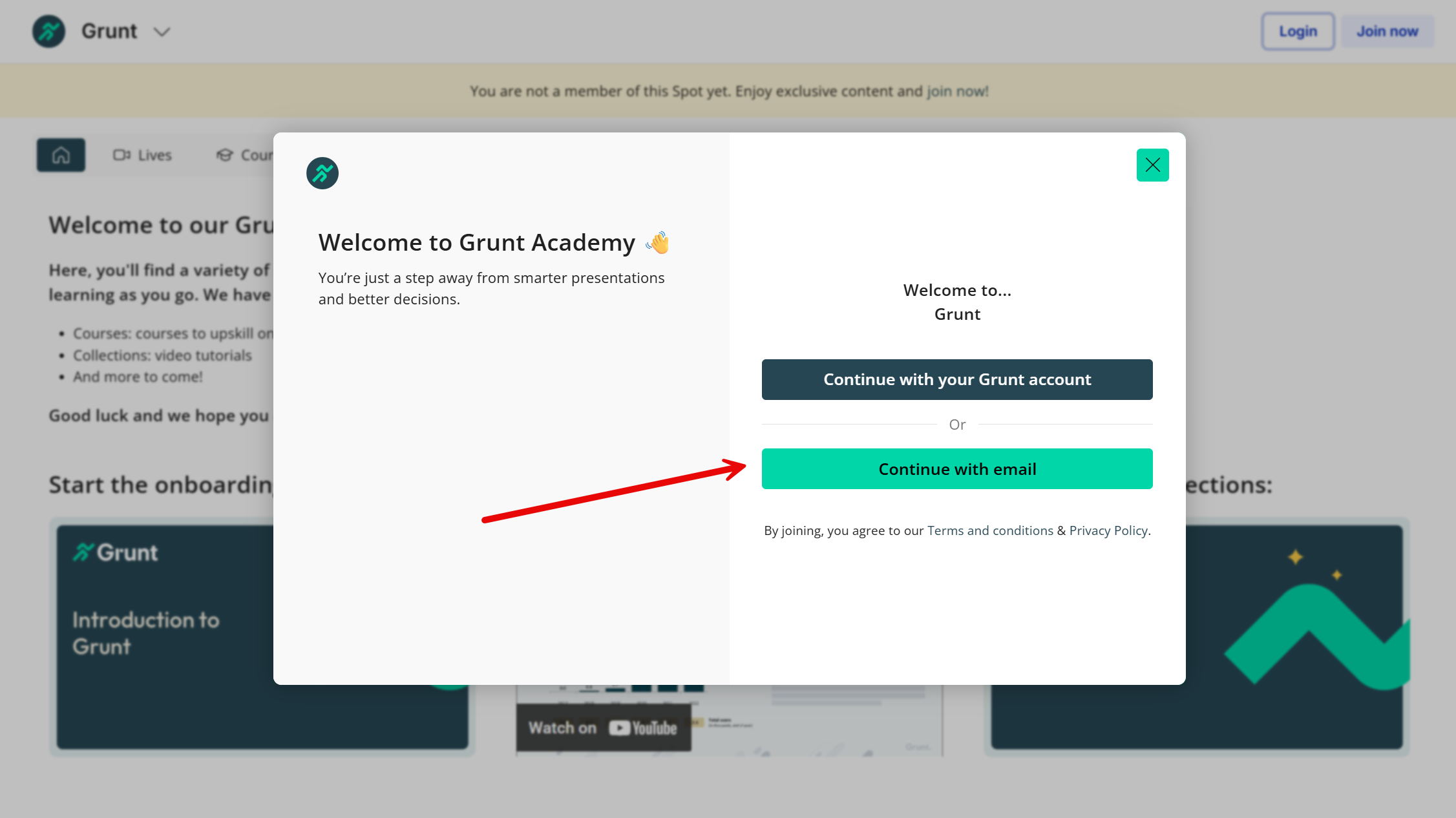
If you do not have a Grunt account, choose **Continue with email** to create a training account on the Academy's MeltingSpot platform.
## Access without a Grunt account
If you do not have a Grunt account, choose **Continue with email** to create a training account on the Academy's MeltingSpot platform.
 For written walkthroughs, start with [Quick start](/powerpoint-add-in/user/quick-start), [Rules](/powerpoint-add-in/user/rules), or [Work with data](/powerpoint-add-in/user/work-with-data).