
Visual and logo rules
Create chevrons, underlined headers, icons, conditional symbols, and company logos
Use these rules to turn cell content into visual elements. Layout, size, and margin settings keep the output aligned with the rest of the grid.
#Chevron rule
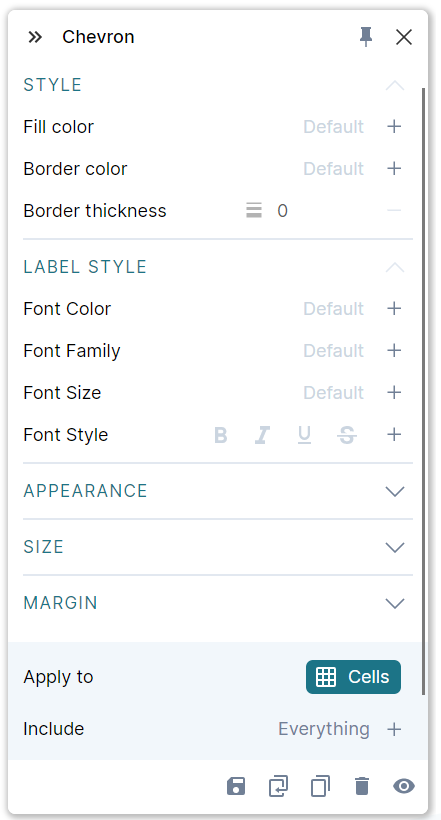
Use Chevron to place cell content inside arrows for a process, sequence, or timeline.

- Style controls fill and outline. Set outline thickness to
0to remove it. - Appearance controls skew, direction, and the flat starting edge.
- Size and Margin control the arrow's dimensions and spacing.
Choose left-to-right, right-to-left, top-to-bottom, or bottom-to-top flow. With the flat starting edge enabled, each uninterrupted group starts flat; a gap starts a new group.
Chevron settings
#Header, underline rule
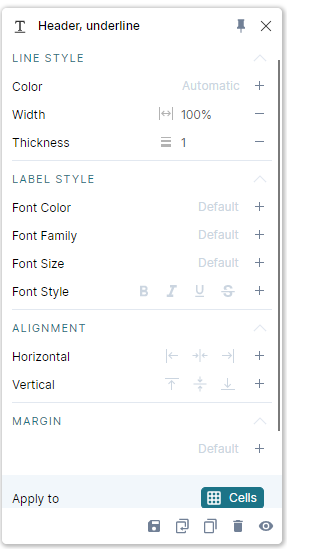
Use Header, underline to combine an underline with text formatting in one rule.

Line style sets color, width, and thickness. Width can be a fraction of the cell width or Automatic, which matches the text's width. Label style, Alignment, and Margin control the header text and its placement.
Header underline settings
#Icon rule
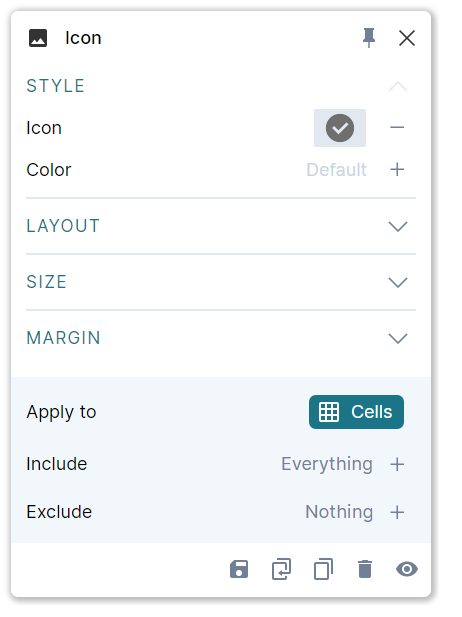
Use Icon when every target should display the same symbol, such as a person icon beside an owner name.
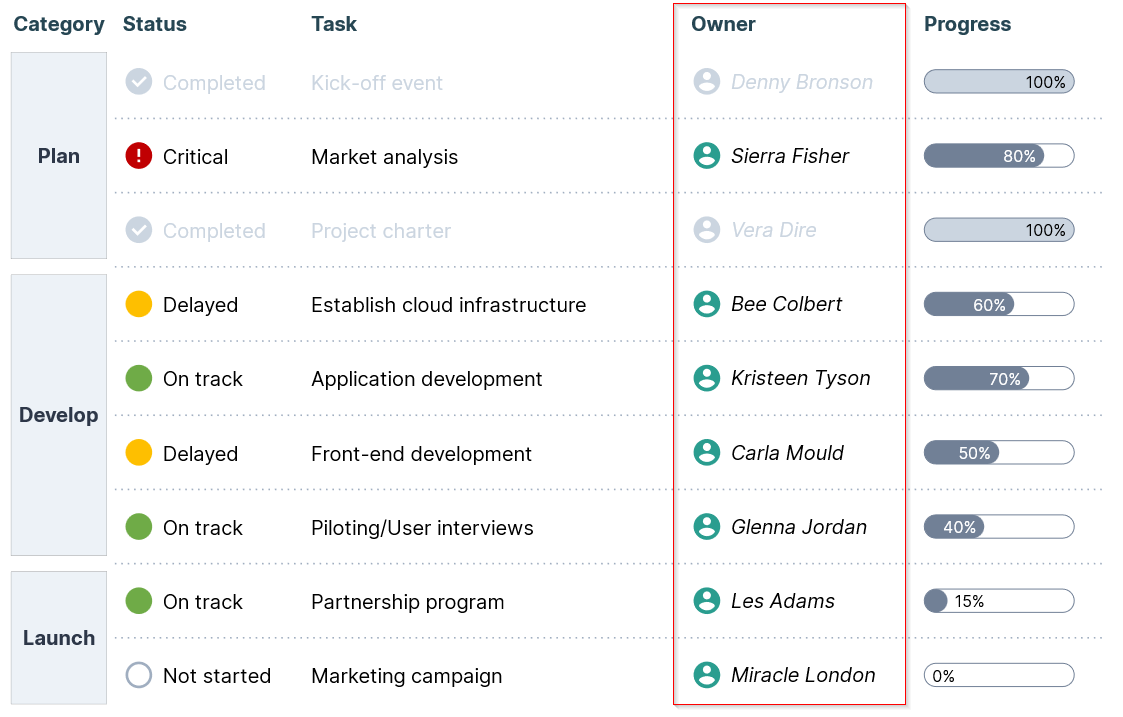
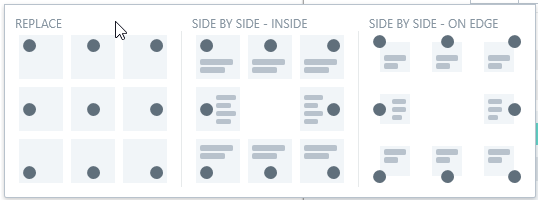
Choose an icon and color under Style. Under Layout, decide whether the icon replaces the text, appears beside it inside the cell, or sits at the cell's edge.
Use Size and Margin to adjust scale and spacing. The built-in icon picker does not support adding custom icons.
Icon rule settings
#Icon conditional rule
Use Icon conditional for status indicators, trends, or categories where the symbol depends on data.

- Select the target range and add the rule. Grunt can create initial conditions from the selected values.
- Click + in Conditions to add a condition.
- Choose an operator and value, such as Equals
Completedor Greater than0. - Set the icon and color for that condition.
- Choose a layout, size, and margins for the resulting icons.
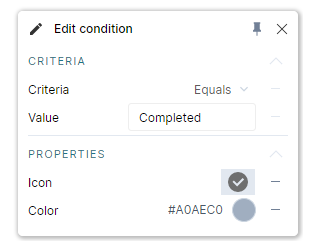
Icon conditional settings
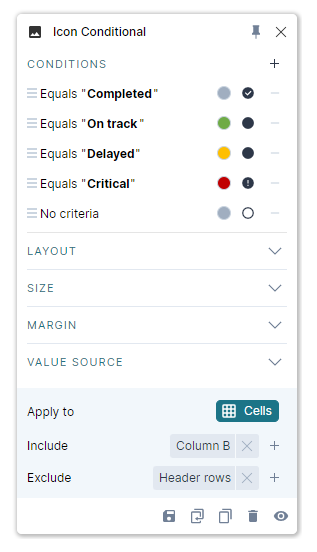
If the condition is stored in a different column from the icons, use Value Source.
#Logo rule
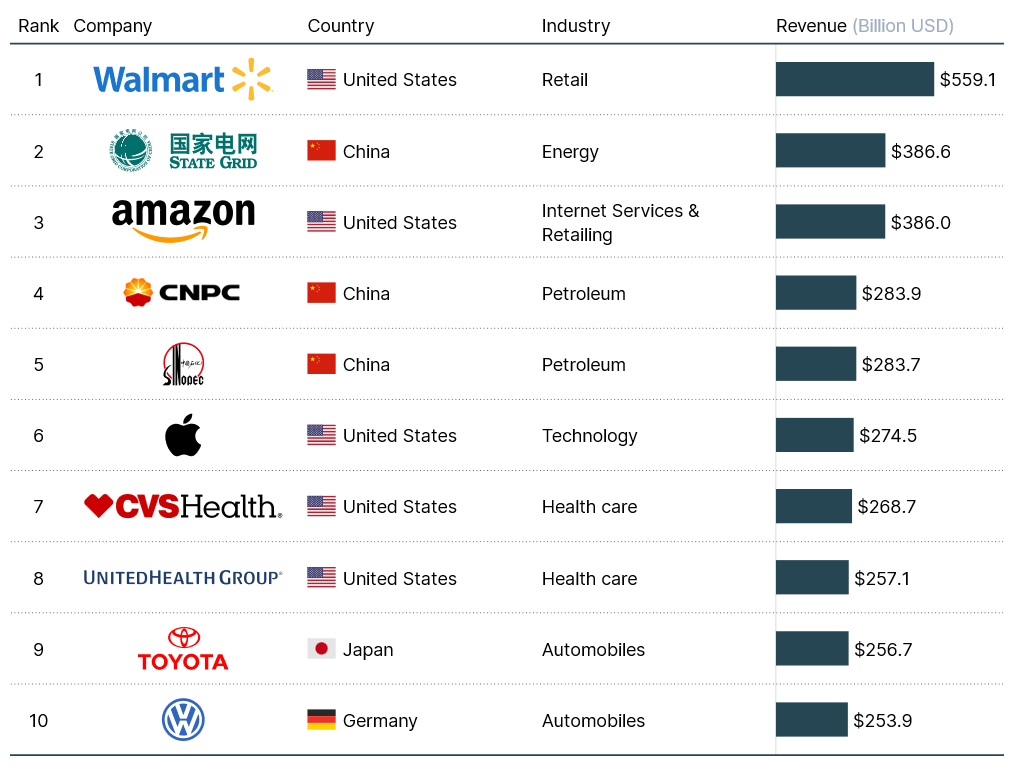
Enter company names in a Visual Grid and add Logo to replace those names with logos. Sources can include cloud search and local folders configured in Grunt settings.
#Apply newly found logos
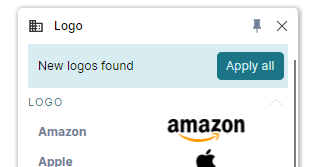
Some searches take a few seconds. When new results are ready, use the cloud download control on the object or Apply all in the Logo rule. This also applies when you change a company name and new logos become available.
#Choose a different variant
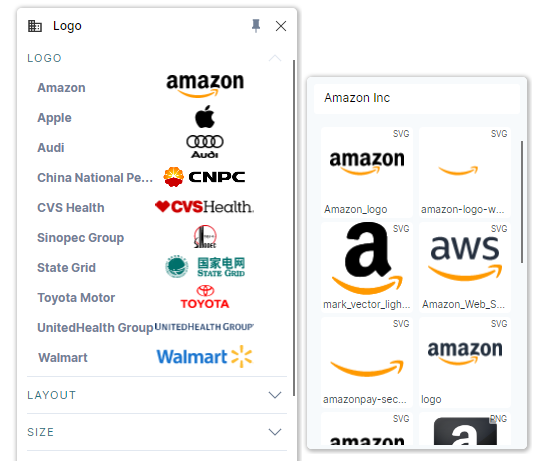
Click a logo in the rule view to see alternative results. Choose the correct variant, or refine the search term if the results match the wrong company or brand.
#Use a local logo folder
- Open Settings > Preferences and find Logo sources.
- Click + and choose a folder containing your logo images.
- Use cell text that matches each file name:
mycompanyformycompany.png. - Drag the folder higher in the source list if it should take priority.
SVG and PNG are recommended. Keep the folder focused on logos to avoid unnecessary file searches.
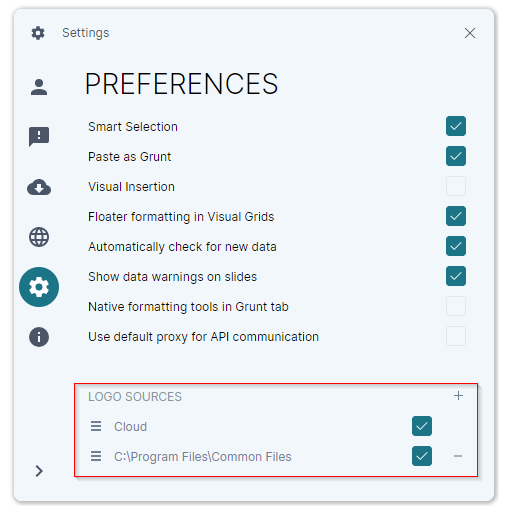
Cloud logo search sends the search term to Google and Microsoft search services. If your data should stay local, uncheck the cloud source and use only the local folders.