
Agenda
Keep agenda styling consistent, navigate chapters, and create PowerPoint sections
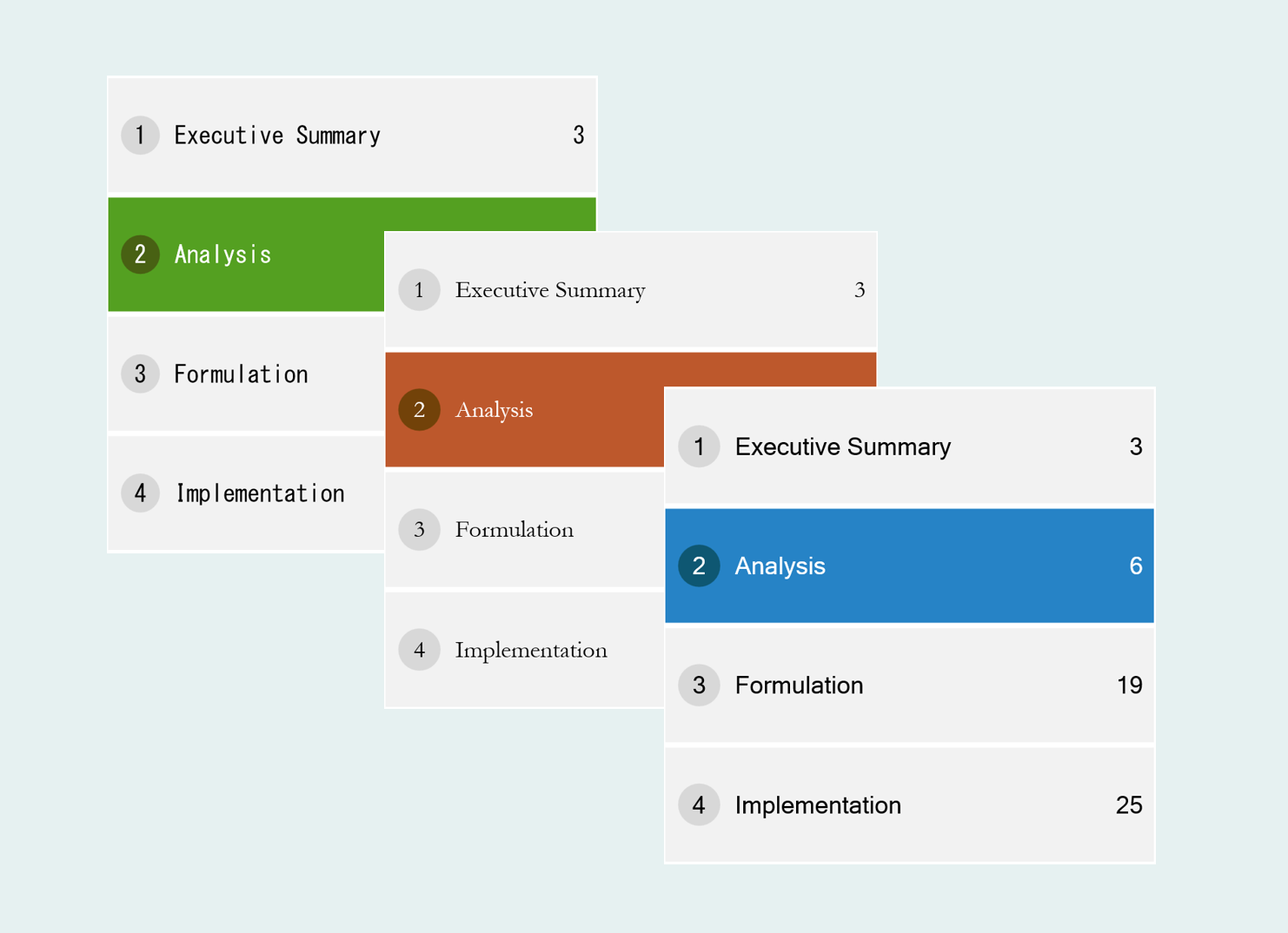
Use a Grunt Agenda to organize chapters and keep its styling consistent across slides. Changes to fonts, sizes, and agenda configuration carry across the slides containing that Agenda object.
#Navigate to a chapter
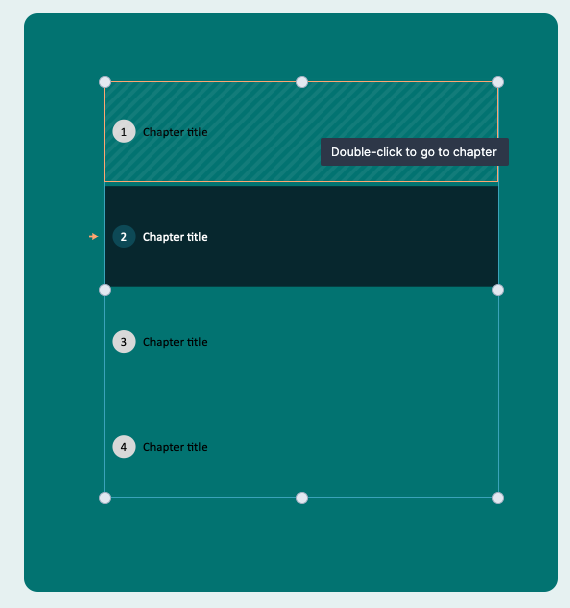
Double-click a chapter in the Agenda to jump to the slide where that chapter begins.
#Create PowerPoint sections
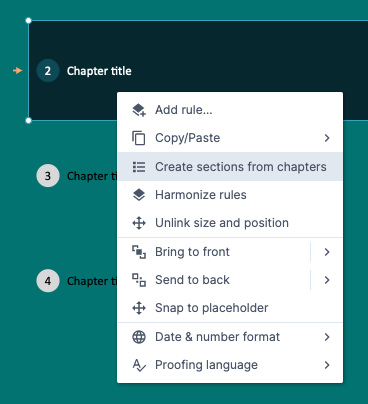
Once your chapters are in the right order, right-click the Agenda and choose Create sections from chapters. Grunt creates the corresponding PowerPoint sections.
If you later rename chapters, run the command again to update the section titles.
#Add sub-chapters
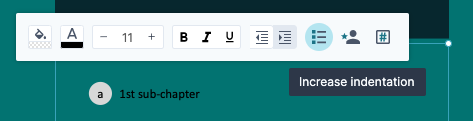
The Agenda supports two indentation levels. Use the indentation controls to organize chapters and sub-chapters into a two-level structure.
#Add a free-text column
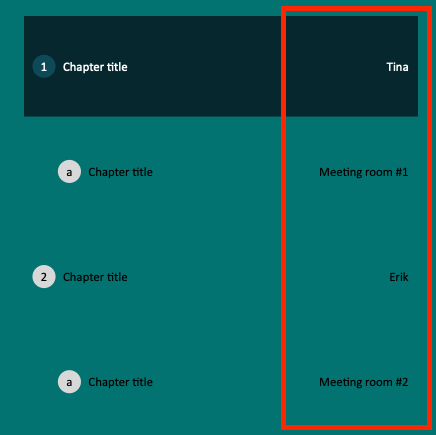
Enable the Responsible column to add text beside each chapter. You can use it for presenters, owners, rooms, or other agenda details.

For a video walkthrough, watch the Agenda tutorial.